 EN
EN

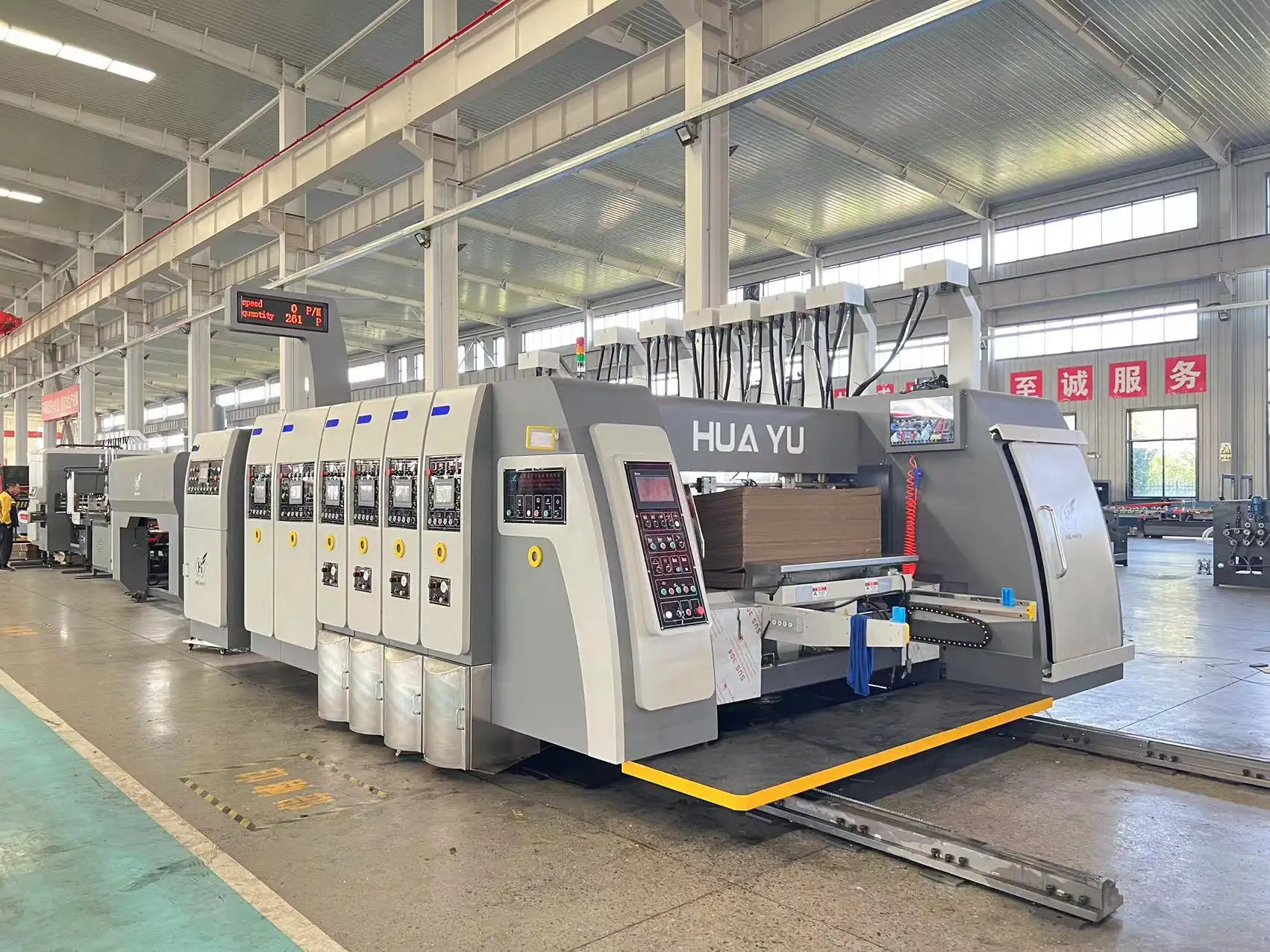
When it comes to printing on carton boxes, the resolution plays a vital role in the quality of the print. Whether you're printing logos, product details, or even complex graphics, understanding the right resolution for your carton box printer ensures a professional and high-quality result. In this article, we will discuss the factors that influence print resolution and guide you in choosing the best one for your needs.
Understanding Print Resolution in Carton Box Printing
The resolution of a printer refers to the level of detail that can be captured in the print output. It is measured in dots per inch (DPI), which indicates the number of individual dots of ink a printer can place within a single inch. Higher DPI values usually mean better print quality, with finer details and sharper images.
For carton box printers, achieving the right balance between resolution and speed is essential. Too high of a resolution can result in slower printing speeds, while too low a resolution may lead to pixelated or blurry prints.
Factors Influencing Resolution Choices
There are several factors to consider when determining the ideal resolution for printing on carton boxes:
-
Type of Design
If you're printing simple text or logos, a resolution of 300 DPI is usually sufficient. However, if you're printing detailed graphics or high-resolution images, you may want to opt for a higher resolution of 600 DPI or even 1200 DPI. -
Size of the Print
The size of the print on the carton box can also influence the resolution. Larger prints typically require higher resolutions to maintain quality and prevent pixelation. On the other hand, smaller prints may not require the same high resolution to achieve a clear and sharp look. -
Material of the Carton Box
The type of carton material used also affects the choice of resolution. Some materials, such as glossy or coated surfaces, may require higher resolutions to produce clear and vivid prints. Uncoated or rough surfaces may not show fine details as clearly, so a lower resolution could suffice. -
Printer Capabilities
Different carton box printers have varying resolution capabilities. It's important to match your design's resolution with the printer’s capabilities. Most modern printers support resolutions of up to 1200 DPI, but not all carton box printers will perform well at this high resolution for all types of jobs.
Why 600 DPI is Often the Sweet Spot
For most carton box printing jobs, 600 DPI is a practical and ideal resolution. It strikes a balance between quality and efficiency. At this resolution, your prints will be sharp and clear, especially for logos, text, and basic graphics. If you're printing intricate designs or images with fine details, you may want to increase the resolution to 1200 DPI.
However, it's essential to test the output on the actual material you're using to ensure that the chosen resolution produces the desired results. For instance, on some materials, a 600 DPI print may look just as sharp as a 1200 DPI print, making it more cost-effective and time-efficient.
Choosing the Right Resolution for Your Carton Box Printer
When selecting the resolution for your carton box printer, there are several key factors to consider, including the type of design, the size of the print, the material, and the capabilities of the printer itself. While higher resolutions offer better detail, they can also increase printing time and costs. Therefore, it's crucial to choose the resolution that meets your quality expectations without compromising efficiency.
For most businesses, 600 DPI offers a good compromise between print quality and production speed. However, more intricate designs may require a higher resolution to ensure the final print looks crisp and professional.